
Your view as a technician
The Schedule tab opens to today by default. Admins see a full week grid with every tech's lane; technicians see a today-focused view with a link to Full week when you want to look ahead.
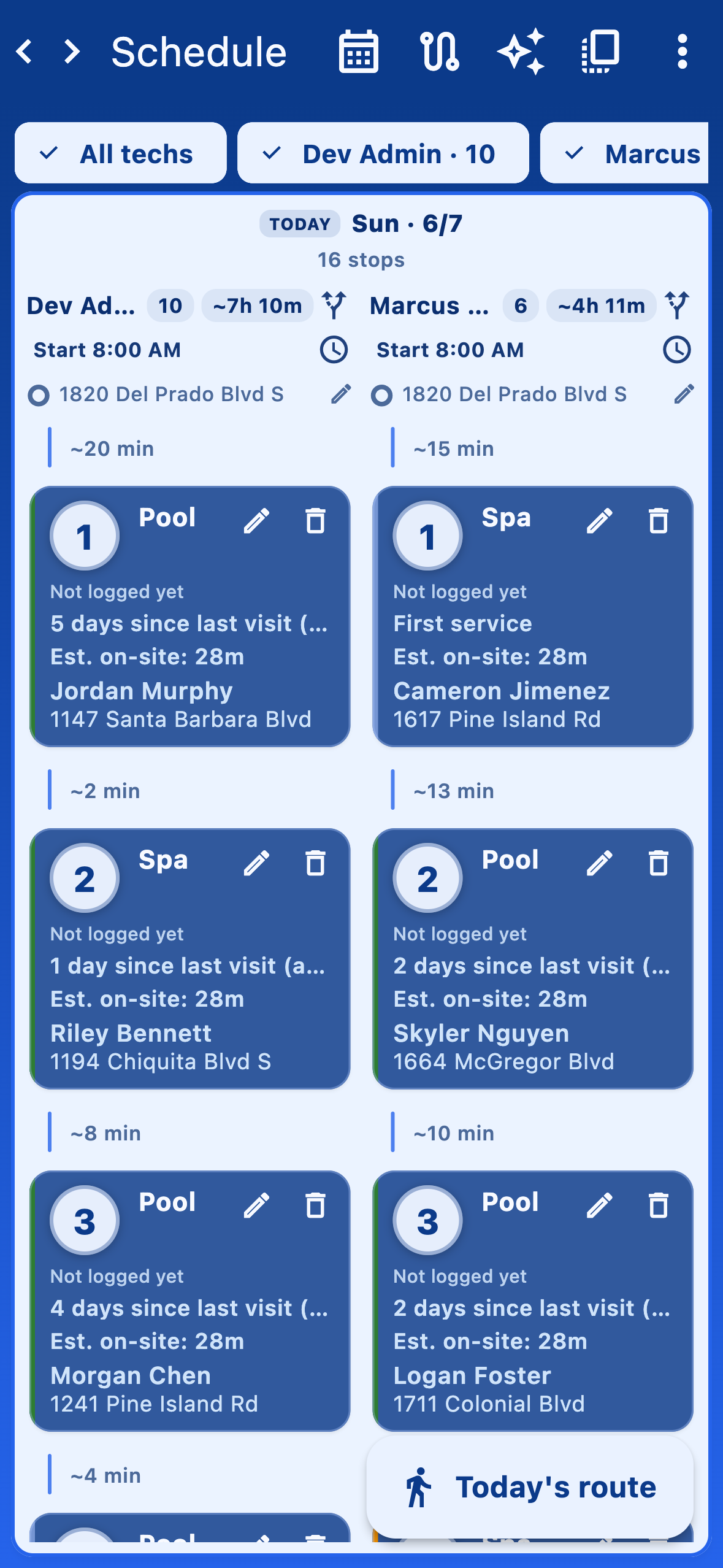
Jump to a different day
Use the day navigation chips at the top, or tap Pick day for the date picker. Full week expands into the grid view so you can scan the whole week without switching pages.
Run the day
The big Today's route button at the bottom is your jump into the in-field workflow. See Today's route for the start-to-end flow.